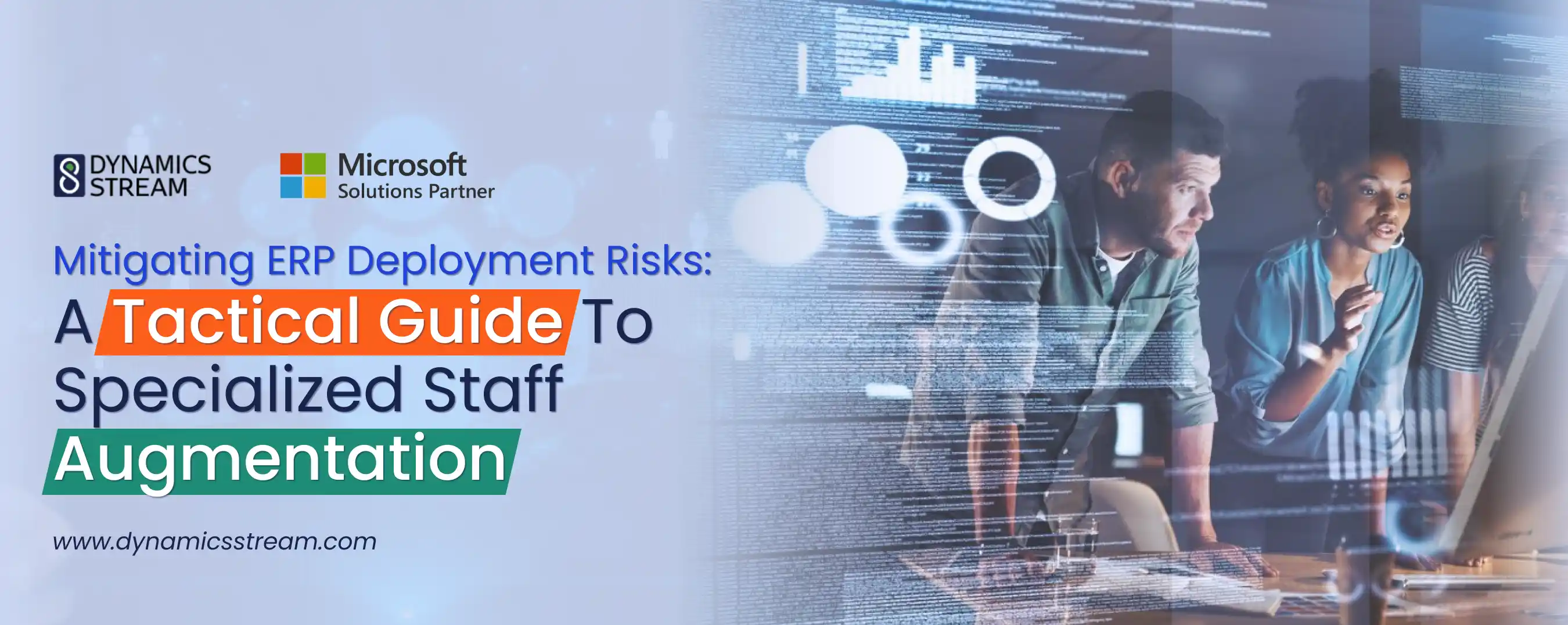
Mitigating ERP Deployment Risks: A Tactical Guide to Specialized Staff Augmentation
When an enterprise schedules a multi-regional cloud ERP transition, the operational blueprint typically prioritizes software licensing, server provisioning, and standard business logic design. However, industry data indicates that over 70% of ERP integrations exceed their initial schedules or fail to meet core commercial requirements.
These costly roadblocks rarely stem from software defects. Instead, they originate from a fundamental human resource gap: tasking internal IT teams with execution-heavy programming while requiring them to support business-as-usual activities.
To bridge these technical expertise gaps and prevent project delays, global enterprises are transitioning away from general contracting. Instead, they leverage specialized ERP staff augmentation services to inject targeted, platform-specific engineering talent exactly where the migration pipeline bottlenecks.
Section 1: Core Tactical Queries & Operational Answers
Why do standard ERP deployments routinely suffer timeline delays and budget overruns?
The primary driver of ERP schedule deviation is resource dual-focus. Standard internal IT teams are highly efficient at managing system configurations, resetting credentials, and coordinating routine application support. However, they lack the deeply specialized engineering capability required to trace unoptimized data pipelines, debug custom AL/X++ extensions, or isolate faulty RESTful API hooks during a complex migration.
When internal administrators are forced to split their time between daily troubleshooting queues and high-tier migration tasks, both areas suffer. Critical bottlenecks quickly accumulate during high-pressure cycles, such as database cleaning routines, parallel run testing, and sandbox update validations. This dual-focus ultimately leads to missed milestones, project lag, and widespread staff burnout.
How does targeted staff augmentation mitigate ERP failure rates with specialized staff?
Securing your software integration requires a strategic resource buffer. Utilizing dedicated ERP staff augmentation services allows enterprises to insert certified platform engineers directly into high-tier technical tasks without the long-term overhead of permanent recruitment.
This tactical division of labor keeps your key internal business analysts in a supervisory role, leveraging their deep business intelligence to guide process mappings. Meanwhile, the heavy lifting such as writing clean, localized code, constructing robust integration pipelines, and validating telemetry using Azure Application Insights is delegated to incoming, on-demand experts.
By relieving internal staff of complex development tasks, you preserve daily operational focus and actively mitigate ERP failure rates with specialized staff.
How do localized compliance mandates across the USA and UAE affect ERP staffing choices?
Global architectures must adapt to widely divergent tax engines, regional compliance requirements, and operational standards. This requires highly localized engineering expertise:
United States Operations: Executing a complex ERP software integration in New York or other competitive US hubs demands immediate access to senior architects. These specialists must be fluent in US GAAP accounting, intricate state-by-state sales tax engines (such as Avalara or Vertex), and complex supply chain logistics configurations. Utilizing an established Dynamics 365 implementation partner USA ensures you can deploy pre-vetted engineers who understand these regulatory structures from day one.
Middle Eastern Operations: Conversely, businesses working with a certified Dynamics 365 partner in Dubai face a rapidly shifting landscape of local mandates. To achieve compliance with national electronic invoicing standards (such as the UAE's upcoming PINT-AE framework), your support and integration teams must include localized developers who are highly experienced in generating, signing, and validating cryptographic XML schemas directly connected to accredited service providers (ASPs).
When should an enterprise choose to hire Dynamics 365 developers externally rather than training in-house staff?
While upskilling internal employees is a valuable long-term strategy, the steep learning curve of advanced platform custom development introduces immediate risk to active project timelines. You should seek to hire Dynamics 365 developers externally when your project encounters any of the following technical milestones:
-
Custom Extension Gaps: When custom AL or X++ extensions are required to modify standard billing engines, multi-currency ledger routing, or regional tax calculations.
-
Complex API Integrations: When establishing highly secure, real-time data pipelines (such as AS4 or RESTful endpoints) to link your core ERP to external warehouse management, banking, or e-commerce platforms.
-
Legacy Data Migration Deadlocks: When transforming and validating decades of unstructured legacy data into clean, compliant relational models in the cloud.
Section 2: ERP Deployment Risk & Mitigation Matrix
To maintain momentum and secure clean platform performance, key deployment bottlenecks must be paired directly with specialized engineering profiles rather than general support staff.
1. Legacy Data Migration Bottleneck
The Operational Risk: Unstructured legacy schemas fail relational validation checks, halting ledger posting routines during dry-run reconciliations.
The Consequence: Delayed go-live dates and manual financial adjustment workarounds.
Mitigation Profile: Database Engineers & Schema Specialists.
2. API Integration Outages
The Operational Risk: Faulty third-party webhooks and unoptimized API queries lead to connection latency, data drops, and failed synchronization loops.
The Consequence: Lost transactions, delayed customer shipments, and broken multi-app syncs.
Mitigation Profile: Integration & REST API Specialists.
3. Regulatory Compliance Changes
The Operational Risk: New regional invoicing regulations (like PINT-AE in the GCC or complex state tax rules in the US) stall go-live approvals due to non-compliant outputs.
The Consequence: Legal exposure, immediate penalties (e.g., AED 5,000/month FTA fines), and operational halts.
Mitigation Profile: Localized Solutions & Compliance Architects.
Section 3: Technical Enforcements to Mandate in Your Staffing Strategy
A successful staff augmentation strategy goes beyond simply adding more developers. It requires enforcing clear technical standards and integrating external talent seamlessly into your current release cycles.
1. Proactive Performance Telemetry
Augmented engineers must be integrated into your Azure Application Insights monitoring environments. They should actively track performance logs to resolve database blocking, clear deadlocks, and optimize slow-running SQL queries before testing phases begin.
2. Automated Wave Update Validation
Microsoft pushes mandatory release waves bi-annually. Your augmented developers should actively run regression testing within your sandboxes at least 30 days prior to update deployments, validating that your custom code won't break when updates go live in production.
3. Strict Code-Level Review Pipelines
Avoid code regressions. Ensure your staffing partner enforces rigorous peer-review guidelines, using automated deployment pipelines (such as Azure DevOps CI/CD) to validate custom modules against Microsoft’s best practices before pushing code to core environments.
Section 4: Shifting From Reactive Firefighting to Proactive Architecture Health
A reactive support structure introduces a fundamental conflict of interest, as technical issues are only addressed when system architecture fails. To safeguard your enterprise, your service and staffing agreements should dedicate a percentage of monthly engineering hours to structured, preventative maintenance routines:
-
Weekly Telemetry Diagnostics: Reviewing Azure resource usage, monitoring batch job execution histories, and clearing stuck asynchronous processes.
-
Data Structure Sanitization: Managing staging table accumulation, optimizing system log retention, and checking cloud storage capacities.
-
Security Permission Audits: Verifying role-based security matrices, tracking access logs, and verifying data encryption configurations.
Conclusion: Eliminate Technical Friction
An unoptimized configuration, broken integration pipeline, or delayed compliance patch slows down operational velocity. If your current IT setup leaves your business vulnerable to system bottlenecks or looming regulatory changes, your staffing structure requires immediate adjustment.
Contact Dynamics Stream today to initiate a comprehensive technical architecture audit and establish a structured, compliance-aligned support and staffing framework tailored to your precise operational demands.
Share with





Give us your details.
We’ll get in touch.
Rabik Raja
Director Sales and Account Management
Mahmoud Mohamed
Dynamics 365 Sales Specialist


Our Readings