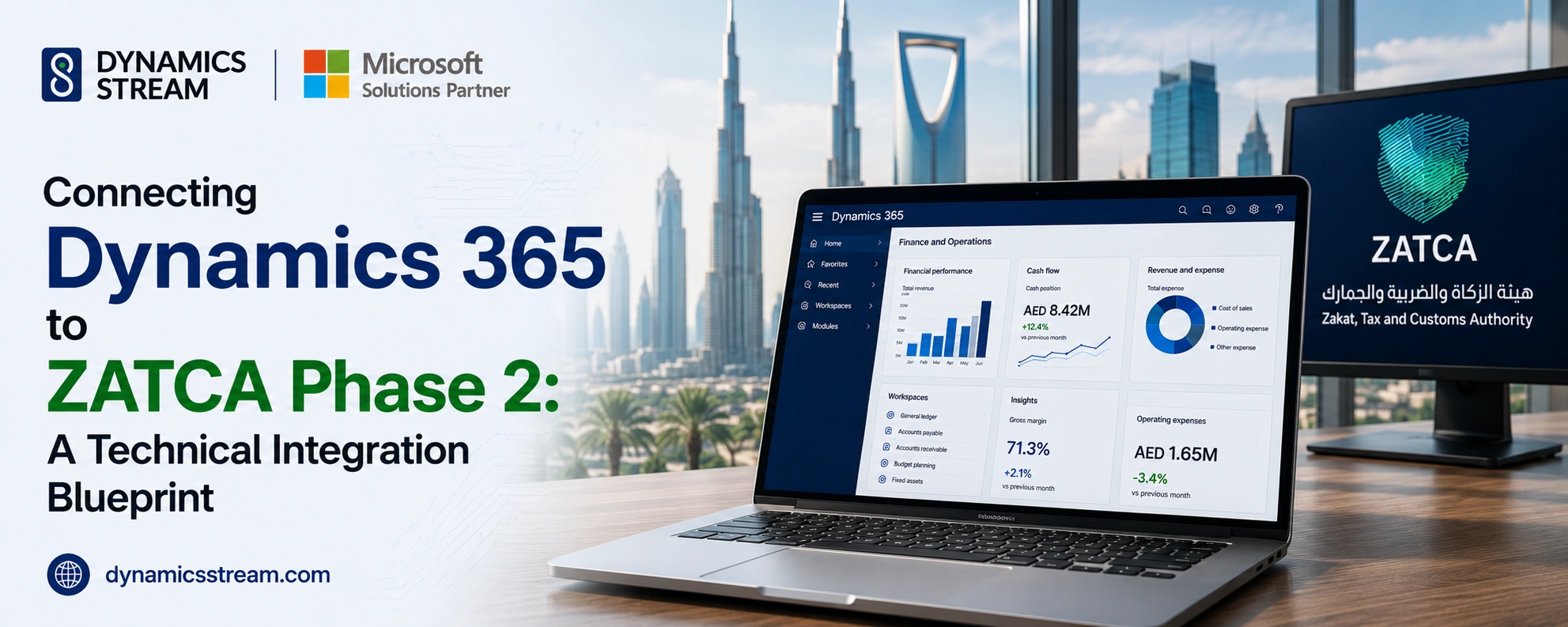
Connecting Dynamics 365 to ZATCA Phase 2: A Technical Integration Blueprint

As Saudi Arabia accelerates its digital transformation under Vision 2030, compliance with the Zakat, Tax and Customs Authority (ZATCA) Phase 2 (the "Integration Phase") is non-negotiable. Moving away from Phase 1’s basic invoice generation, Phase 2 mandates a real-time, API-driven cryptographic connection between your ERP and the ZATCA Fatoora portal.
For enterprises relying on Microsoft Dynamics 365, compliance is not just an IT task, it is a core business necessity. Unaligned systems risk heavy operational downtime, expensive fines, and rejected transactions.
Whether running Dynamics 365 Finance & Operations or Business Central, you can turn regulatory compliance into a seamless back-office process. To achieve this, your technical architecture must be configured for strict data mapping, real-time security, and instant API communication.
1. Transforming Data into UBL 2.1 XML Schemas
Phase 2 requires every standard tax invoice, simplified invoice, credit note, and debit note to be transmitted in a structured, machine-readable Universal Business Language (UBL) 2.1 XML format tailored with KSA-specific extensions.
Standard out-of-the-box ERP posting routines do not natively export this specialized schema without extension. Your technical implementation must programmatically extract raw database values from Dynamics 365 tables and map them directly into specific XML tags.
Critical Fields Required at the Database Level
-
Universally Unique Identifier (UUID): A cryptographically unique 128-bit RFC 4122 version-4 algorithm generated per invoice.
-
Invoice Counter Value (ICV): A strict, non-gapped sequential integer assigned by the EGS (Electronic Invoice Generation Solution) unit.
-
Previous Invoice Hash (PIH): The SHA-256 hash of the immediately preceding invoice, forming an immutable cryptographic ledger chain.
Achieving this level of precision without breaking native financial posting cycles requires proven expertise. Partnering with an experienced Dynamics 365 implementation partner ensures your underlying database architecture correctly captures and maps every mandatory ZATCA field.
2. Generating Cryptographic Stamps & Dynamic QR Codes
Data structuring is only half the battle. To satisfy ZATCA Phase 2, each XML invoice must be digitally signed before submission to guarantee data integrity.
This security layer requires generating an Elliptic Curve Digital Signature Algorithm (ECDSA) digital signature and embedding an X.509 Cryptographic Stamp certificate directly into the XML payload.
The Two Technical Track Requirements
-
B2B Invoices (Standard Tax Invoices - Type 388): Require real-time Clearance. The payload must pass ZATCA verification and receive an official stamp before the invoice is legally valid or sent to the buyer.
-
B2C Invoices (Simplified Tax Invoices - Type 383): Require real-time Reporting within 24 hours. These require a 9-tag Tag-Length-Value (TLV) encoded string transformed into Base64 format to render a scannable QR code on physical receipts.
Building custom security algorithms within your primary accounting software often introduces performance overhead. Many organizations choose to buy Dynamics 365 Business Central app solutions specifically designed for ZATCA integration. These certified add-ons automate cryptographic hashing, XML signing, and TLV encoding directly inside your existing workflows without custom code overhead.
3. Designing a Resilient API Integration Layer
Direct synchronous calling from an ERP during invoice posting creates operational bottlenecks. If the target API endpoint experiences latency or downtime, cash registers and billing desks stall.
To solve this, modern Dynamics 365 architectures implement an asynchronous middleware layer, typically built on Azure Integration Services (Azure Logic Apps, Service Bus, or API Management) to manage communication with ZATCA endpoints.
Architecture Blueprint Checklist
-
CSID Onboarding Workflow: Automated handling for Compliance Cryptographic Stamp Identifier (CCSID) testing and Production CSID (PCSID) renewal.
-
Asynchronous Queue Management: Storage of posted transactions in an encrypted Azure Service Bus queue, ensuring batch invoice posting continues uninterrupted regardless of network speeds.
-
Response Processing & Error Handling: Automated parsing of HTTP status responses from ZATCA. Cleared XML invoices are updated in Dynamics 365 with ZATCA's official response header, while failed requests trigger immediate alerts to financial admin teams.
4. Avoiding Pitfalls During Implementation
Many companies struggle with Phase 2 implementation when treating it purely as a software patch. Common failure points include:
-
Gapped Sequence Numbers: Failing to account for canceled or edited invoice drafts, which breaks the sequential Invoice Counter Value (ICV) requirement.
-
Unsynchronized Time Stamps: Timestamps that differ between local servers and UTC standards, leading to instant ZATCA API validation rejections.
-
Improper System Upgrades: Running heavily customized legacy ERP versions that cannot support modern Web API authentication standards.
If your current system runs on outdated infrastructure, it is critical to hire Microsoft Dynamics 365 developers to audit your codebase, clean up custom data fields, and prepare your system for seamless cloud connectivity.
Master ZATCA Compliance with Dynamics Stream
Transitioning to ZATCA Phase 2 does not have to disrupt your daily operations. By aligning your XML formatting, cryptographic security, and cloud API middleware, your financial workflows stay fully compliant while running automatically in the background.
Whether you need a fully customized enterprise architecture or a ready-to-deploy integration solution, working with experienced experts simplifies the entire compliance journey.
Ready to streamline your Saudi Arabia e-invoicing roadmap? Get Dynamics 365 consulting services from the experts at Dynamics Stream to ensure your platform meets every ZATCA requirement.
Share with




Give us your details.
We’ll get in touch.
Rabik Raja
Director Sales and Account Management
Mahmoud Mohamed
Dynamics 365 Sales Specialist


Our Readings