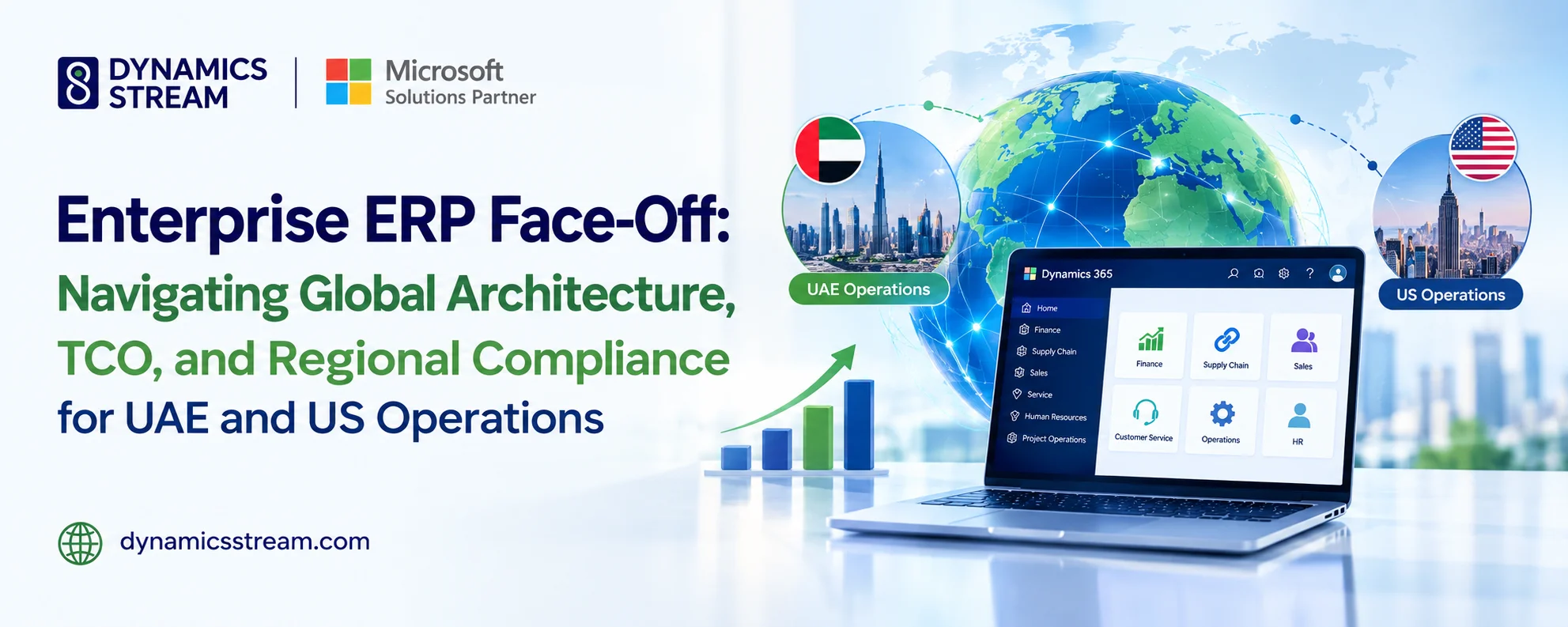
Calculating Real Total Cost of Ownership for Dynamics 365: A Financial Blueprint for CIOs and CFOs

Executive Summary
When evaluating an enterprise ERP migration, organizations frequently fall into the "sticker price trap." They look primarily at the subscription price per user per month and assume they have a firm grasp of their long-term capital allocation.
In reality, software licensing list prices typically represent only 25% to 35% of the real cost of owning and running an enterprise system. The true cost of a modern platform lies beneath the surface hidden within the costs of data migrations, API integrations, continuous regression testing, customization debt, and localized compliance adjustments.
To help finance and technology leaders avoid budgeting surprises, this guide breaks down the core structural variables needed to calculate real ERP TCO over five years for Microsoft Dynamics 365 environments.
The Core TCO Matrix & carrying Costs
Why do vendor-supplied licensing quotes regularly fall short of actual deployment costs?
Standard software quotes only reflect the recurring software subscriptions. A realistic financial model must calculate the full lifecycle across three distinct investment phases:
-
Initial Acquisition & Implementation (Years 0 to 1): Software subscriptions, initial sandbox setup fees, data cleansing, schema mapping, custom AL/X++ extension development, and user training. Typically, professional services costs range from 1x to 3x the annual licensing cost.
-
Ongoing carrying Costs (Years 1 to 5): Managed support contracts, bi-annual Microsoft Wave update validations, third-party API monitoring, cloud storage scaling, and internal IT team opportunity costs.
-
Future Scale Constraints: Upgrading user tiers, adding entities, and adapting to newly introduced regulatory compliance changes.
By analyzing costs through this three-phased lifecycle, financial decision-makers can uncover hidden operational expenses and build a highly accurate, long-term balance sheet.
Deciphering the Dynamics 365 Pricing Model & User Tiers
How do Microsoft's global license updates affect long-term operational budgets?
Evaluating the Dynamics 365 pricing model requires understanding both the functional needs of your staff and the baseline licensing list prices. As of late 2025/2026, Microsoft has standardized its mid-market and enterprise pricing structures.
For a Business Central environment, the core tiers are strictly separated to prevent over-licensing:
-
D365 Business Central Essentials (Starting at $80/user/month): For standard business processes, financials, project accounting, and purchasing.
-
D365 Business Central Premium (Starting at $110/user/month): Mandatory for any business unit requiring advanced manufacturing or service order dispatch. (Note: Microsoft policies prevent mixing Essentials and Premium tiers within the same tenant).
-
D365 Business Central Team Members (Starting at $8/user/month): Ideal for occasional users who only need to view dashboards, approve workflows, or enter timesheets.
For larger, global operations utilizing Dynamics 365 Finance or Supply Chain Management (F&SCM), base seat pricing starts at $180/user/month, with subsequent application attachments available at a reduced rate of $30/user/month. To prevent overspending on licenses, organizations must continuously audit user roles and align their staff access with the lowest possible compliant license tier.
Regional Engineering Multipliers & Cross-Border Compliance
How do regional compliance changes across the USA and UAE affect 5-year support budgets?
Local market requirements introduce distinct operational costs. A system running smoothly in Chicago requires a completely different technical foundation than one operating in Abu Dhabi.
North American Operations: Managing an enterprise ERP implementation in New York demands a system that can handle complex multi-state sales tax engines (such as Avalara, Vertex, or custom tax tables). Your support budget must account for continuous modifications to US GAAP accounting rules, complex supply chain logistics, and automated bank reconciliation APIs. To manage these, organizations should hire ERP implementation consultants who specialize in US taxation policies.
Middle Eastern Operations: Conversely, working with a certified Microsoft Gold Partner in Dubai means designing a system prepared for the Gulf region’s rapidly changing tax policies. Meeting the UAE’s decentralized e-invoicing standards (under the PINT-AE XML framework) requires localized developers who can connect your ledger to accredited service providers (ASPs). If your system is not set up to process these digital transactions, your organization faces immediate fines of up to AED 5,000 per month.
How does customization debt inflate the cost of automated updates?
The largest hidden cost in cloud ERP deployments is customization regression. Because Microsoft pushes mandatory, bi-annual release waves automatically to all cloud tenants, any custom code that isn't built to standard best practices can easily break when these updates go live.
If your technical partner does not run proactive regression testing within a sandbox environment at least 30 days prior to deployment, minor platform updates can trigger major system outages. Your support contract must include dedicated testing hours to validate custom AL or X++ extensions against upcoming Microsoft releases. This prevents costly emergency downtime and keeps your operational environment stable.
Shifting From a Capital Expense to an Optimized Operating Expense
To prevent cost overruns, enterprises must partner with a provider that balances deep platform expertise with an understanding of regional compliance rules.
Dynamics Stream helps organizations transition from a reactive, high-cost support setup to a predictable, operating-expense-based model. By dedicating a portion of monthly support hours to preventative system audits, database cleaning, and automated testing, we help you eliminate technical friction and maintain peak system performance.
Conclusion: Take Control of Your Financial Roadmap
An unmanaged ERP environment, unoptimized user license mix, or poorly planned upgrade schedule can quickly drain your IT budget.
Contact Dynamics Stream today to schedule a detailed Dynamics 365 Technical Architecture & Licensing Audit. Our certified enterprise architects will review your user roles, system customizations, and integration pathways to help you build an optimized, predictable, and compliant financial strategy for the years ahead.
Share with






Give us your details.
We’ll get in touch.
Rabik Raja
Director Sales and Account Management
Mahmoud Mohamed
Dynamics 365 Sales Specialist


Our Readings